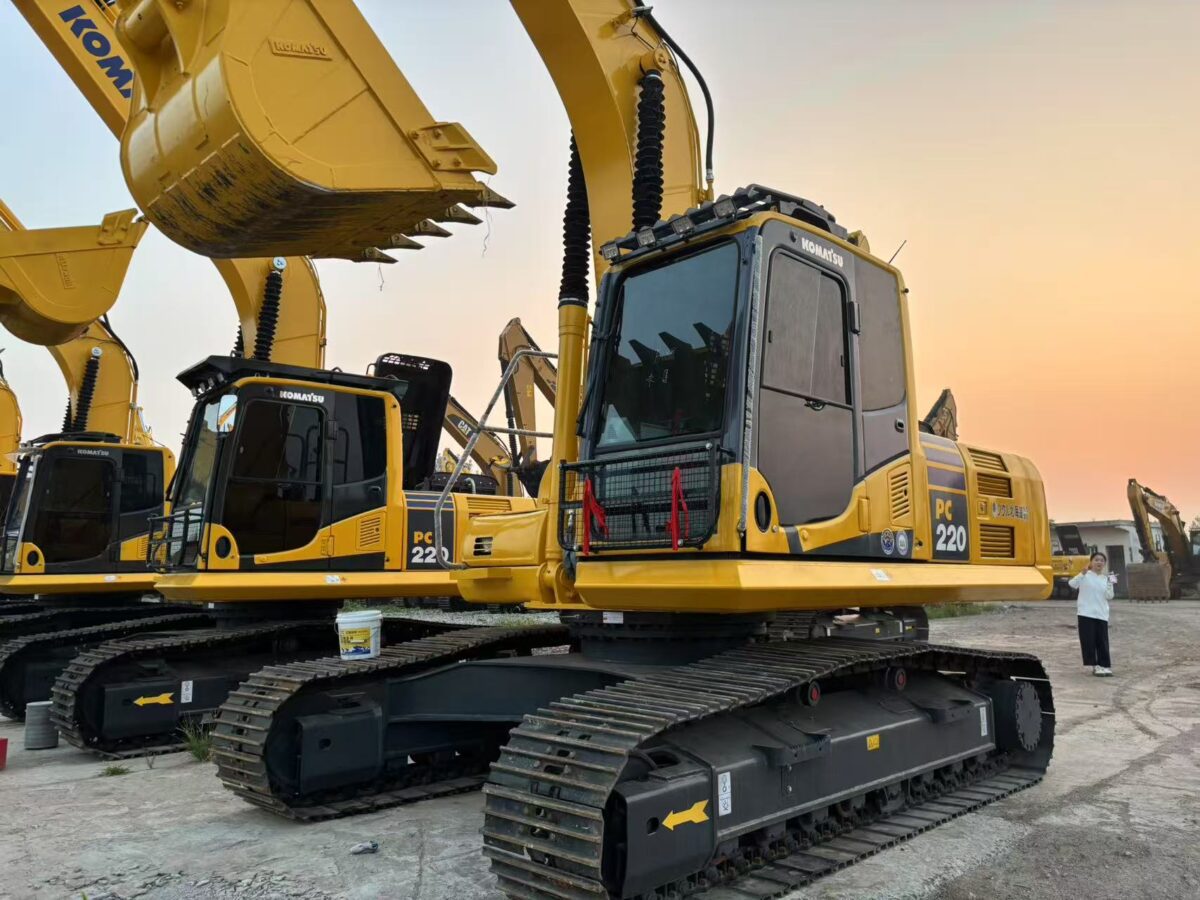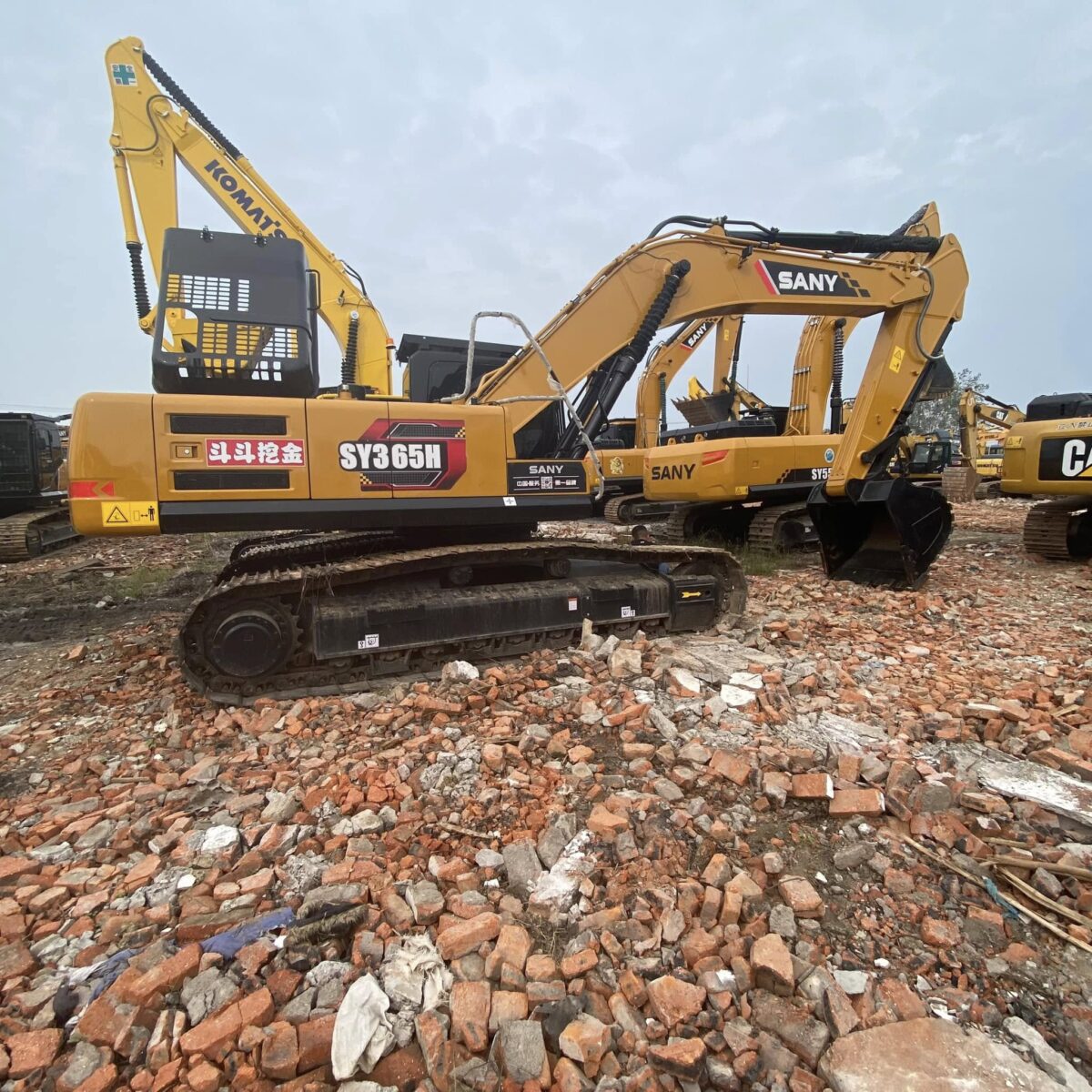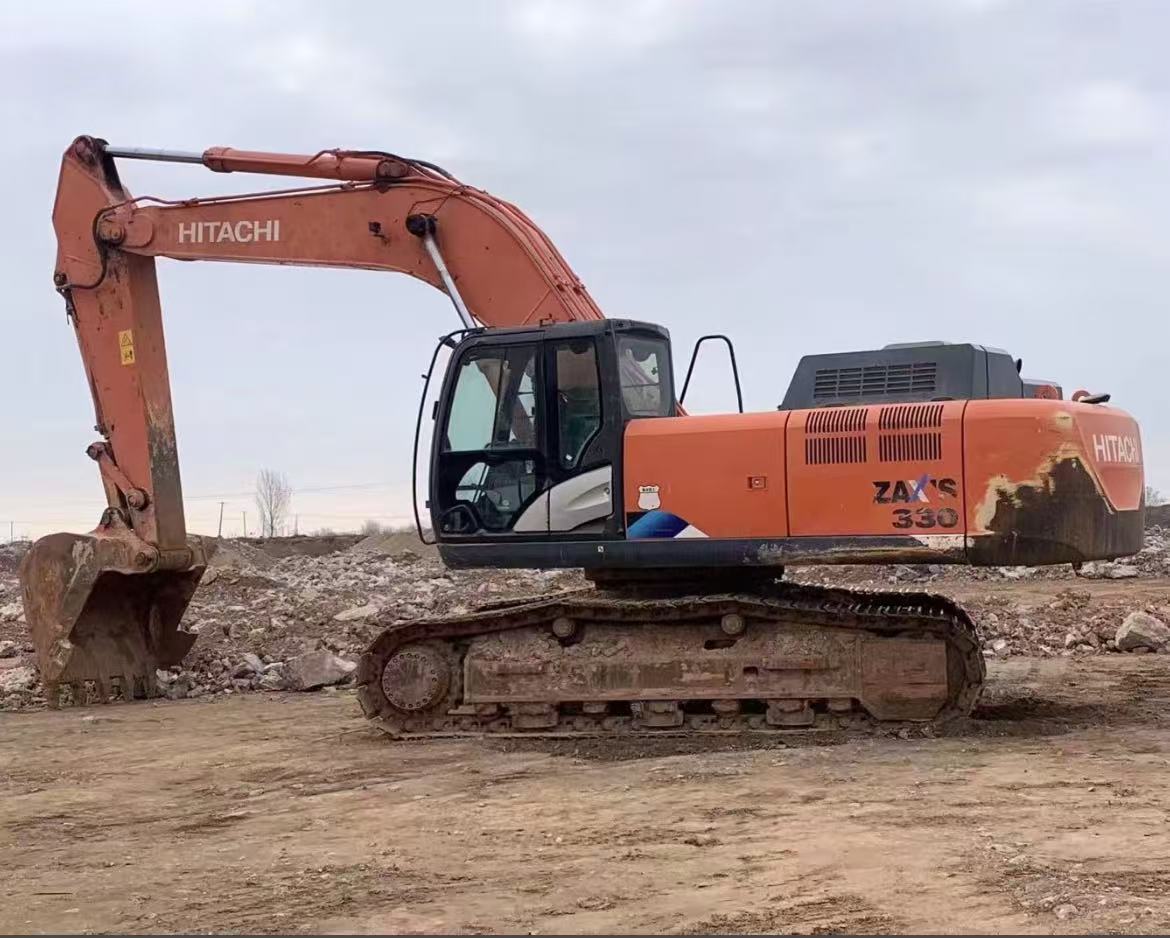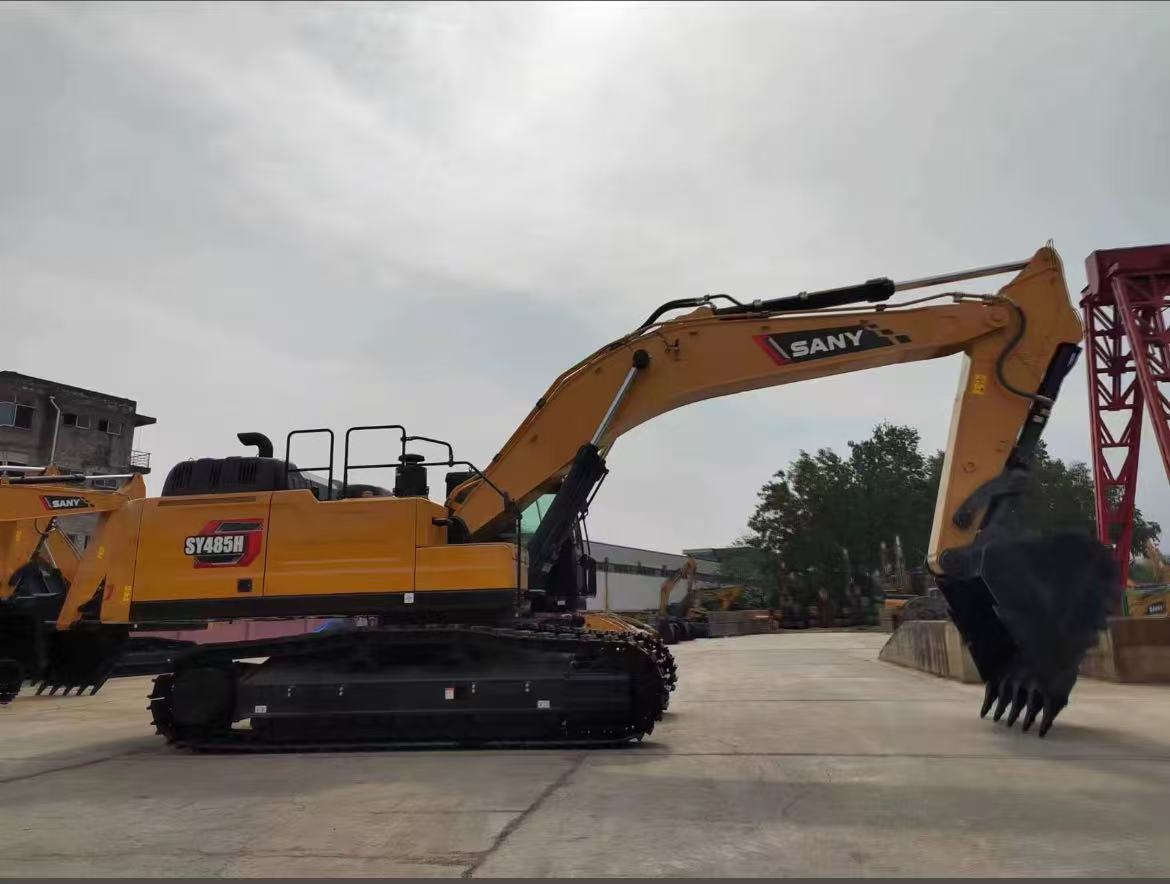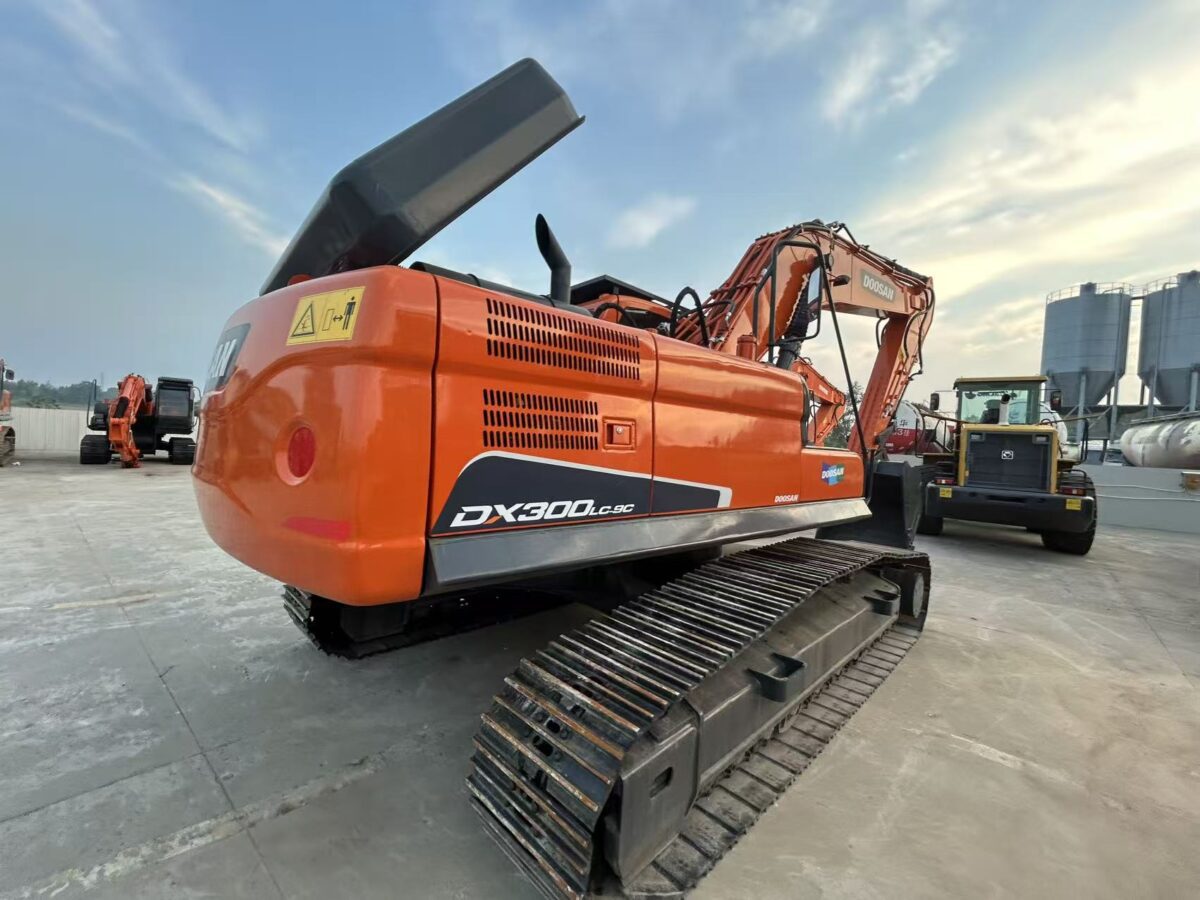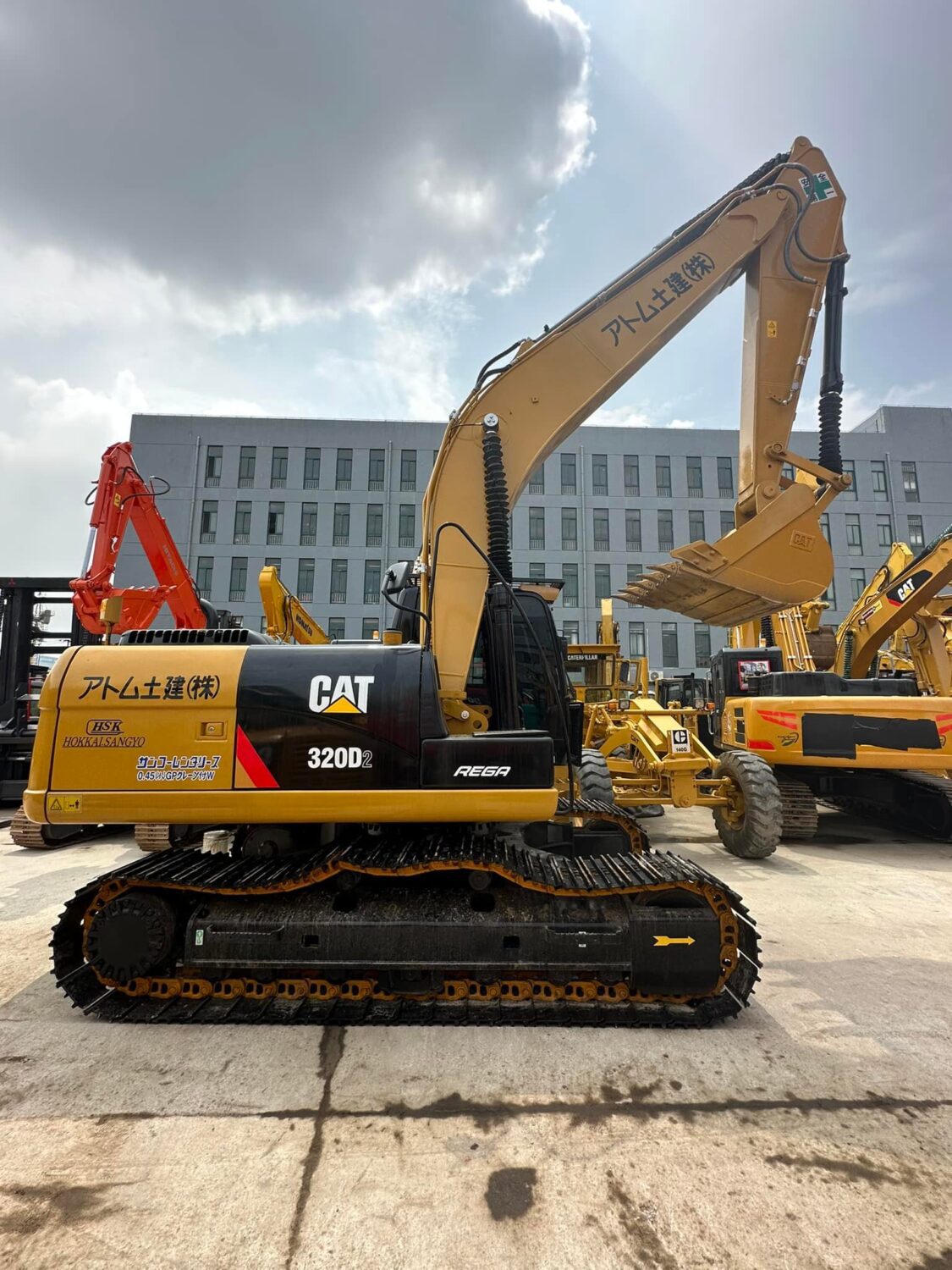
You want to make a smart investment when buying a used excavator. Careful planning protects your budget and helps you avoid costly mistakes. Take a step-by-step approach for better results and satisfaction.
| Cost Savings | Satisfaction Rate | Lifecycle Cost Management |
| 25-50% cheaper | 78% higher | Maximizes uptime, minimizes costs |
Key Takeaways
1.Set a clear budget before searching for a used excavator. Include extra costs like maintenance, insurance, and fuel to avoid overspending.
2.Understand your project needs and match them with the right excavator specifications. This ensures better performance and efficiency on the job site.
3.Always inspect the used excavator thoroughly for wear and tear. Look for signs of damage and check the hydraulic and electrical systems to avoid future issues.
1. Set Your Used Excavator Budget
Define your price range
Before you start searching, you need to set a clear budget for your used excavator. Prices can vary widely based on the size and age of the machine. Review the table below to get a sense of current market prices:
| Excavator Type | Age Range | Price Range |
| Large | 1-3 years | $200,000 – $450,000 |
| 4-7 years | $150,000 – $300,000 | |
| 8+ years | $80,000 – $200,000 | |
| Medium | 1-3 years | $130,000 – $220,000 |
| 4-7 years | $85,000 – $150,000 | |
| 8+ years | $50,000 – $90,000 | |
| Small | 1-3 years | $80,000 – $120,000 |
| 4-7 years | $50,000 – $90,000 | |
| 8+ years | $25,000 – $60,000 | |
| Mini | 1-3 years | $20,000 – $75,000 |
| 4-7 years | $15,000 – $50,000 | |
| 8+ years | $10,000 – $30,000 |
Use this information to narrow your search and avoid overspending. Choose a price range that matches your project needs and financial limits.
Include extra costs
A smart budget covers more than just the purchase price. When you buy a used excavator, you should plan for several extra expenses:
1.Maintenance costs range from $6,000 to $18,000 each year.
2.Insurance can cost between $1,000 and $3,500.
3.Fuel expenses may reach $12,000 to $35,000, depending on usage.
4.Environmental compliance costs often run $2,000 to $5,000.
5.Additional operating expenses can total $22,000 to $55,000.
6.Transportation and storage add to your overall costs.
Tip: Regular maintenance and insurance protect your investment and help avoid unexpected repairs.
By including these costs in your budget, you set yourself up for a successful and stress-free purchase. A well-planned budget ensures you get the best value from your used excavator.
2. Know Your Excavator Needs
Clarify job requirements
Before you select a used excavator, you need to understand your project’s unique demands. Start by listing the main tasks you expect the machine to perform. Consider these key factors:
1.Project scope and objectives
2.Required digging depth and width
3.Site conditions and terrain
4.Project duration
5.Specific tasks and applications
You should also evaluate the job site layout and identify any hazards. Think about both current and future project needs. Different excavator models excel in specific environments, so matching the machine to your job site ensures better performance.
Tip: Always ensure the excavator can handle your job requirements. Evaluate the hydraulic system for power and efficiency. Match the machine’s performance to the tasks you need to complete.
Match specs to intent
Once you clarify your needs, compare excavator specifications to your project goals. The right specs make a big difference in productivity and safety. Use the table below to see how different sizes fit various tasks:
| Specification | Mini Excavator | Mid-Size Excavator | Large Excavator |
| Bucket Capacity | 0.025–0.15 m³ | 0.15–1 m³ | 1–5 m³ |
| Hydraulic Flow (LPM) | 30–90 | 100–250 | 300–600 |
| Travel Speed (km/hr) | 2–5 | 4–7 | 4–6 |
1.Mini or standard excavators work best for smaller projects or tight spaces.
2.Large excavators provide stability and power for heavy-duty or large-scale jobs.
3.Lighter materials suit smaller machines, while heavier loads require more powerful equipment.
Choosing the right used excavator based on your needs helps you maximize efficiency and avoid costly mistakes.
3. Research Brands and Models
Compare reliability
You want to choose a brand that stands out for reliability and long-term performance. Leading industry reports highlight several brands that consistently deliver dependable machines. Review the table below to compare the top-rated brands and their reliability features:
| Brand | Reliability Features |
| Caterpillar | Known for durable and high-performance machinery, consistently ranks as reliable. |
| Komatsu | Reputation for reliable performance and longevity, with a wide range of models. |
| Hitachi | Built a reputation for precision and reliability, with advanced hydraulic systems. |
| John Deere | Celebrated for durability, performance, and user-friendly technology. |
| Volvo | Dedication to providing reliable and innovative solutions for construction needs. |
| Doosan | Known for performance and affordability in construction equipment. |
You should focus on brands with a strong service network and easy access to parts. This approach reduces downtime and keeps your project on track.
Find suitable features
When you compare models, look for features that match your project needs. For small to medium construction jobs, certain features make a big difference in efficiency and cost control:
1.Cost-effectiveness helps you stay within budget.
2.Reliability and durability ensure the machine handles tough tasks.
3.Versatility allows you to use the excavator for many applications.
4.Easy access to parts and service speeds up repairs and maintenance.
5.Compact design works well in tight or urban spaces.
6.Strong resale value protects your investment.
You should always match the features of a used excavator to your job requirements. This step helps you get the best value and performance for your money.
4. Check Seller Reputation
Evaluate dealer or auction site
You should always check the reputation of the dealer or auction site before you buy a used excavator. A trustworthy seller gives you confidence and reduces risk. Use the table below to compare important criteria:
| Criteria | Description |
| Transparency | Choose sellers who provide clear information and quality assurance. |
| Customer Reviews | Look for positive reviews and high ratings from past buyers. |
| After-Sales Support | Select dealers who offer guidance and support after the sale. |
| Equipment Maintenance | Ask for detailed service and maintenance records for each machine. |
You can also look for these signs of a reliable seller:
1.The dealer shares how the equipment was used.
2.You receive complete service and maintenance records.
3.The dealer employs skilled, certified service technicians.
Tip: A reputable seller will answer your questions and provide documentation without hesitation.
Review customer feedback
Customer feedback helps you judge the trustworthiness of a seller. You should:
1.Check the seller’s ratings and reviews on the listing website.
2.Read comments from previous buyers to see if the seller is reliable.
3.Focus on sellers with high ratings and positive feedback.
A seller with a strong reputation will make your buying process smoother and safer. When you take time to review feedback, you protect your investment and avoid surprises.
5. Inspect Used Excavator Condition
Look for wear and tear
You need to check for common signs of wear and tear before you buy a used excavator. Start by walking around the machine and looking for blemishes on the body, such as scratches, dents, or rust. Pay close attention to the undercarriage, as heavy use often shows up here first. Worn tracks, rollers, or sprockets can signal that the machine has seen a lot of work. Listen for leaks, odd noises, or vibrations during operation. These issues may point to mechanical problems that could cost you later.
1.Scratches, dents, or rust on the body
2.Wear on tracks, rollers, or wheels
3.Leaks, unusual noises, or vibrations during use
4.Hydraulic system leaks or defects
Tip: A thorough inspection helps you avoid machines with hidden problems and unexpected repair bills.
Check for dents, cracks, bends
Structural damage can affect both safety and performance. Dents, cracks, or bends in the frame or boom may lead to catastrophic failures of critical components. Cracks often start in high-stress areas, such as bucket corners or the boom assembly. These issues can increase repair costs and cause project delays. Always inspect these areas closely and ask the seller about any repairs.
Examine hydraulics and electrical
Hydraulic and electrical systems play a key role in excavator performance. Look for visible fluid puddles or low fluid levels, which may indicate hydraulic leaks. Slow or jerky movements and noisy hydraulic systems, such as whining or grinding sounds, can signal deeper issues. For electrical systems, check for damaged wiring, dead batteries, or blown fuses.
| System Issue | What to Look For |
| Hydraulic Leaks | Fluid puddles, low fluid levels |
| Loss of Hydraulic Power | Slow operation, reduced digging force |
| Noisy Hydraulics | Whining or grinding noises |
| Electrical Problems | Damaged wires, dead batteries, blown fuses |
A careful inspection of these systems ensures you choose a reliable machine that will not let you down on the job.
6. Review Maintenance Records
Check service history
You should always review the maintenance records before you commit to a used excavator. These records reveal how well the previous owner cared for the machine. Systematic maintenance can extend the lifespan of an excavator by 40–60%. You also reduce operational costs when you choose a machine with a strong service history. Many construction companies rely on reactive maintenance, which leads to costly breakdowns. Each breakdown can cost an average of $45,000. You can avoid these expenses by selecting equipment with thorough and consistent maintenance logs.
Look for records that show regular oil changes, filter replacements, and scheduled inspections. Consistent entries signal that the owner followed a proactive maintenance plan. Gaps or missing records may indicate neglect or hidden issues. You should also check for any warranty work or manufacturer recalls. These details help you judge the reliability and future performance of the excavator.
Tip: A well-documented service history means fewer surprises and more uptime on your job site.
Spot major repairs or rebuilds
Major repairs or rebuilds in the service history deserve close attention. These events can affect the long-term reliability of the machine. Use the table below to guide your review:
| Key Aspect | Description |
| Previous Work Environments | Harsh conditions accelerate wear and tear. |
| Maintenance Records | Detailed logs show good care and regular service. |
| Major Repairs or Incidents | Significant repairs may signal future problems. |
| Ownership History | Multiple owners can mean inconsistent maintenance habits. |
You should also watch for these warning signs:
1.Excavators used for demolition often show more wear than those used for digging.
2.Machines that operated in wet conditions may have hidden damage.
3.Undercarriage rebuilds are expensive and may indicate heavy use.
7. Assess Age and Usage Hours
Evaluate total hours
When you shop for a used excavator, always check the total operating hours. Usage hours give you a clear picture of the machine’s wear and future reliability. Most contractors retire hydraulic excavators from primary production after about 9,800 hours. By this point, many components—except the engine—have likely seen major repairs or replacements. The average lifespan before a major overhaul depends on the brand and model. Review the table below for a quick comparison:
| Brand | Model | Average Lifespan (in hours) | Special Features |
| Caterpillar | CAT 320 | 18,000 – 20,000 | Known for durability and longevity |
| Komatsu | PC200 | 15,000 – 18,000 | Excellent reliability, fuel-efficient |
| Volvo | EC950 | 12,000 – 16,000 | Durable under harsh conditions |
Machines with fewer hours often need less immediate maintenance. However, always balance hours with the machine’s service history and condition.
Consider equipment age
Age plays a big role in the value and upkeep of a used excavator. You should look at both the year of manufacture and how well the previous owner maintained the equipment. Here are key points to remember:
1.Resale value depends on age, condition, and maintenance history.
2.Well-maintained excavators keep their value better, even if they are older.
3.Age helps buyers judge expected maintenance costs.
4.Older machines with strong service records can still sell for higher prices.
Tip: Choose an excavator with a reasonable age and usage hours, backed by solid maintenance records. This approach helps you avoid unexpected repairs and protects your investment.
8. Test Operation
Operate controls
You should always test the excavator’s controls before making a purchase. Start by sitting in the cab and checking if all controls feel responsive and comfortable. Make sure the seat adjusts properly and the safety structures are secure. Test every function, including the boom, stick, and bucket. Move the machine in all directions to confirm smooth operation.
1.Inspect the cab for comfort and working controls.
2.Check fluid levels and engine condition before starting.
3.Test the hydraulic system by operating the boom, stick, and bucket.
4.Move the excavator forward, backward, and side-to-side.
5.Perform a digging motion to see if the machine responds quickly.
6.Examine the slewing ring for any play, wobbling, or non-standard movement.
7.Inspect hydraulic cylinders for leaks or pitting.
8.Walk around the machine and check the undercarriage for wear and proper tension.
Tip: A thorough test run helps you spot hidden issues that may not appear during a visual inspection.
Listen for issues
Pay close attention to any unusual sounds during operation. Worn bearings often create grinding or squealing noises, which signal internal damage. Loose components may rattle or vibrate, indicating parts that need tightening or replacement.
1.Listen for grinding or squealing from worn bearings.
2.Notice any rattling that could mean loose parts.
3.Watch for slow or jerky movements, which may point to hydraulic problems.
4.Check for leaks around fittings and hoses during operation.
If you hear or feel anything out of the ordinary, ask the seller for more information. Identifying these issues early helps you avoid expensive repairs and ensures you choose a reliable excavator.
9. Check Attachments and Compatibility
Inspect included attachments
Attachments add significant value to a used excavator. You should always check which attachments come with the machine. Common options include:
1.Buckets in various sizes for digging, grading, and trenching
2.Hydraulic hammers for breaking concrete or rock
3.Grapples for lifting and sorting materials
Attachments such as buckets, hydraulic hammers, and grapples increase the versatility of your excavator. Their presence makes the equipment more attractive to buyers and often justifies a higher selling price. When you inspect attachments, look for signs of wear, cracks, or damage. Examine welds and mounting points for strength and stability. Ask the seller for maintenance records related to each attachment.
Tip: Well-maintained attachments extend the life and usefulness of your excavator.
Verify fit and function
Compatibility between the excavator and its attachments is essential for safe and efficient operation. You should confirm that each attachment fits your machine and works as intended. Follow these steps:
1.Measure pin diameter, pin length, and center-to-center distance to ensure proper fit
2.Check the excavator’s weight class and hydraulic capabilities
3.Make sure the attachment matches the machine’s specifications, including hydraulic flow and weight capacity
4.Choose attachments within the rated operating capacity (ROC) of your excavator
5.Consider the total weight of the attachment and any load it will carry
If you have doubts, contact an equipment expert for help verifying compatibility. Test each attachment to confirm smooth operation. Listen for unusual noises and watch for leaks during use. Properly matched and functioning attachments help you get the most from your investment and keep your job site safe.
10. Negotiate Price and Terms
Use findings to negotiate
You should always use your inspection results to guide your negotiations. Sellers expect buyers to point out issues and request fair adjustments. Start by confirming that the excavator is in good condition. If you find any problems, address them before you agree on a price.
1.Negotiate repairs for any hydraulic system damage you discovered.
2.Request that the seller fix issues at connection points, such as worn pins or loose couplers.
3.Ask for a price reduction if you must handle repairs yourself.
4.Use your inspection checklist to support your requests.
5.Stay professional and respectful during discussions.
Tip: A clear, fact-based negotiation helps you secure a better deal and avoid surprises after purchase.
Confirm payment and delivery
You need to clarify all payment and delivery terms before you finalize the sale. The sales contract should include the total purchase price, payment method, and due date. If you plan to use a payment plan, make sure the terms are written clearly. The contract should also state who pays sales tax or other fees.
Delivery terms must be specific. Decide if delivery is included in the price or if you must pay extra. Confirm the delivery timeline and who is responsible for transporting the excavator. Clear terms protect you from unexpected costs and delays.
Note: Always review the contract details with care. This step ensures you understand your obligations and protects your investment.
You protect your investment when you follow each step in this guide. Careful research and inspection help you avoid costly mistakes and secure the best value.
1.Uncover hidden issues before you buy.
2.Negotiate with confidence.
3.Improve long-term savings
Use this checklist for peace of mind and take action today.
FAQ
1. What is the best way to verify an excavator’s maintenance history?
You should request official service records from the seller. Review entries for regular oil changes, inspections, and major repairs. Consistent documentation signals proper care.
2. How many hours are too many for a used excavator?
| Usage Hours | Recommendation |
| Under 10,000 | Good for most buyers |
| 10,000–20,000 | Inspect carefully |
| Over 20,000 | High risk, avoid |
3. Can you test a used excavator before buying?
Yes, you should always test the controls and hydraulics.
Operate the machine on-site to check for smooth movement and unusual noises.